Shopify Delivery Experience: Why Convenience Sells
Explore with AI
Get AI-powered insights from this article
Your customer is ready to buy. Cart loaded, credit card out - then they pause. "When will this arrive?" "Is pickup available today?" "Why is delivery $25 for a $30 order?" These moments of hesitation cost Shopify merchants thousands in abandoned carts daily. Understanding the psychology behind these decisions and improving the Shopify Delivery Experience can transform your fulfillment strategy from a conversion killer to a competitive advantage.
Shopify's Native Capabilities
Let's start with what Shopify provides out of the box:
- Local Delivery: Set zones by postal code or radius from your store
- Store Pickup: Enable collection at physical locations
- Shipping Profiles: Different rates for different product segments
- Basic Notifications: Order ready & order delivered emails
- Fulfillment Status: Track & Manage orders in your admin panel
For many small operations, these features suffice. But as order volume grows, the cracks begin to show.
Merchant Struggles
The Saturday Morning Chaos
Sarah's bakery accepts unlimited Saturday morning pickups through Shopify. Result? Thirty customers arriving between 9-10 AM for fresh croissants, but her team can only prepare 15 orders per hour. The scene: long lines, cold pastries, and one-star reviews.
The Multi-Store Muddle
Maria runs three locations. Her downtown shop can only deliver postal codes nearby due to traffic, while her suburban store covers a larger radius spread across a larger region easily. Shopify applies the same settings everywhere, forcing her to manually adjust orders daily.
Solutions to improve Shopify Delivery Experience
Creating Time Structure Without Apps
Many merchants solve scheduling manually:
- Use order notes to request preferred times
- Call customers to confirm pickup slots
- Create a physical appointment book
- Limit daily orders through inventory management
Managing Customer Expectations
Clear communication prevents frustration:
- State preparation times on Product pages
- Add delivery FAQs to your footer
- Include cutoff times in cart messages
- Send proactive updates about delays
For merchants seeking automation, apps like Birdchime becomes the solution to all the problems of the merchant.
Step-by-Step Setup
Basic Shopify Configuration:
- Go to Settings → Shipping and delivery
- Set up Local Delivery:
- Click "Manage" under Local delivery
- Choose between postal codes or radius
- Add your delivery fee structure
- Configure Pickup Options:
- Enable "Pickup"
- Add location details and instructions
- Set expected ready times
- Optimize Your Checkout:
- Add delivery information to cart page
- Use Checkout UI extensions for custom messages (Shopify Plus)
- Enable order notes for special requests
Advanced Scheduling (With or Without Apps):
Manual Method:
- Create delivery slots in your product descriptions
- Manage capacity through inventory limits
Automated Method:
- Install a scheduling app from Shopify App Store like Bird
- Configure available time slots
- Set order limits per slot
- Add preparation time buffers
Conclusion
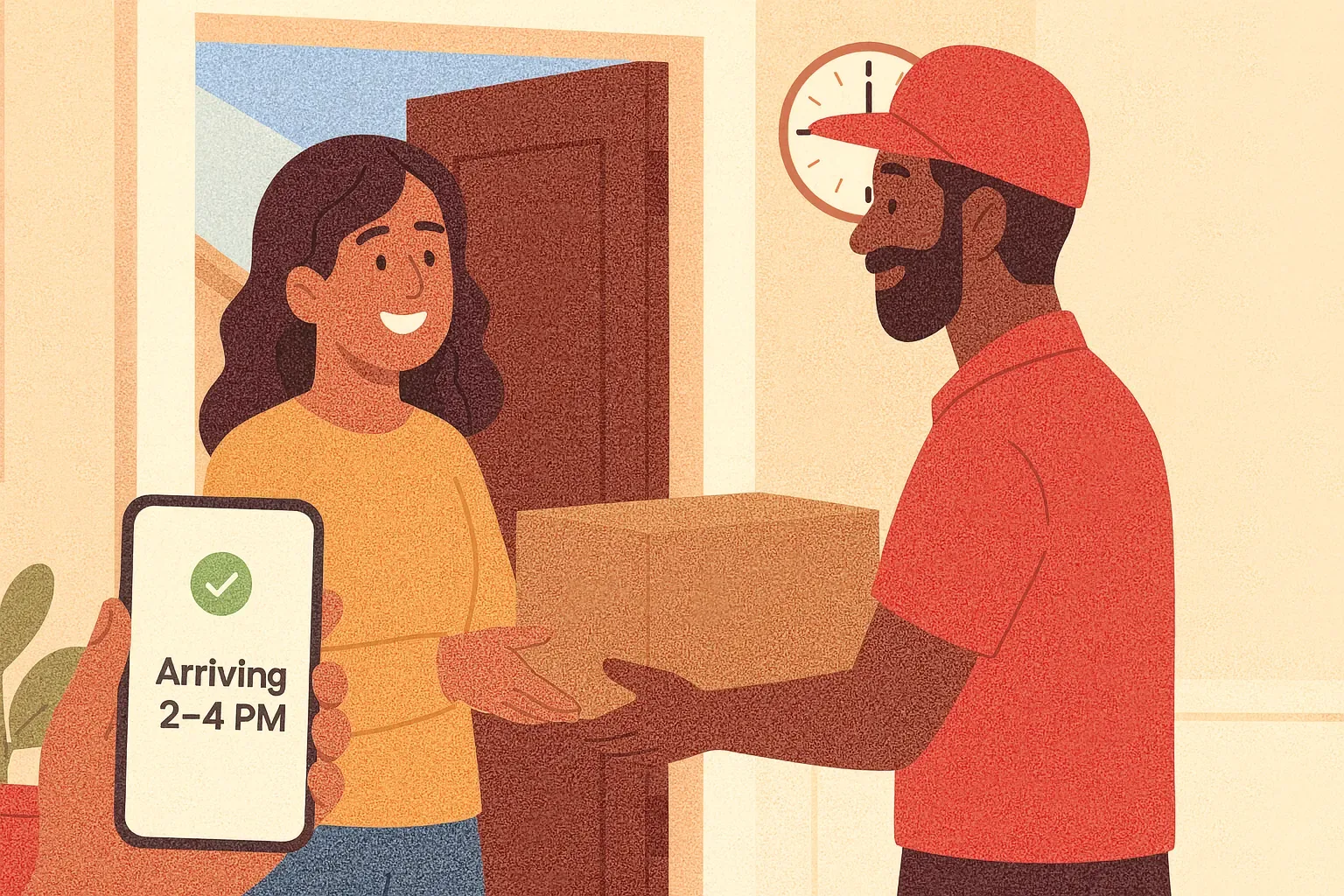
The psychology is simple: customers value transparency and control. They'll happily pay more for convenience when they understand what they're getting. Whether you use Shopify's native tools, manual systems, or apps to enhance functionality, the key is creating a clear, predictable experience. Start small. Test one improvement - maybe adding time slots or zone-based pricing. Measure the impact on conversions and customer feedback. Then iterate. Your perfect system won't happen overnight, but each step toward clarity is a step toward more sales.
Ready to streamline your pickup and delivery?
Start your 14-day free trial and see how Bird can transform your Shopify store.
Start Free Trial