Streamlining Order Management: Why Google Calendar Integration Matters for Shopify Merchants
Explore with AI
Get AI-powered insights from this article
Online stores live on timeliness. When a bakery promises croissants for the morning rush or a florist needs bouquets ready for afternoon pickups, missing those windows can lead to frustrated customers and lost revenue. Many small merchants still rely on manually scribbling times or adding events in calendars themselves—a system that breaks down when orders pile up and schedules change unexpectedly. Integrating your order management tool with Google Calendar brings structure to that chaos and helps merchants focus on preparation rather than chasing appointments.
Why manual scheduling is a hassle
In theory, you can open a calendar, type in every order and its pickup or delivery slot, then adjust whenever plans change. In practice this approach quickly becomes tedious and error‑prone. Staff must check each order’s details, copy names and times into the calendar, and update entries when customers request new pickup times. As your business grows, the risk of double‑booking or missing an appointment rises and time spent on clerical work eats into preparation and customer service. Manual scheduling also makes it hard for multiple team members to stay aligned—if one person forgets to update the calendar, others may not see the change.
The benefits of a Google Calendar setup
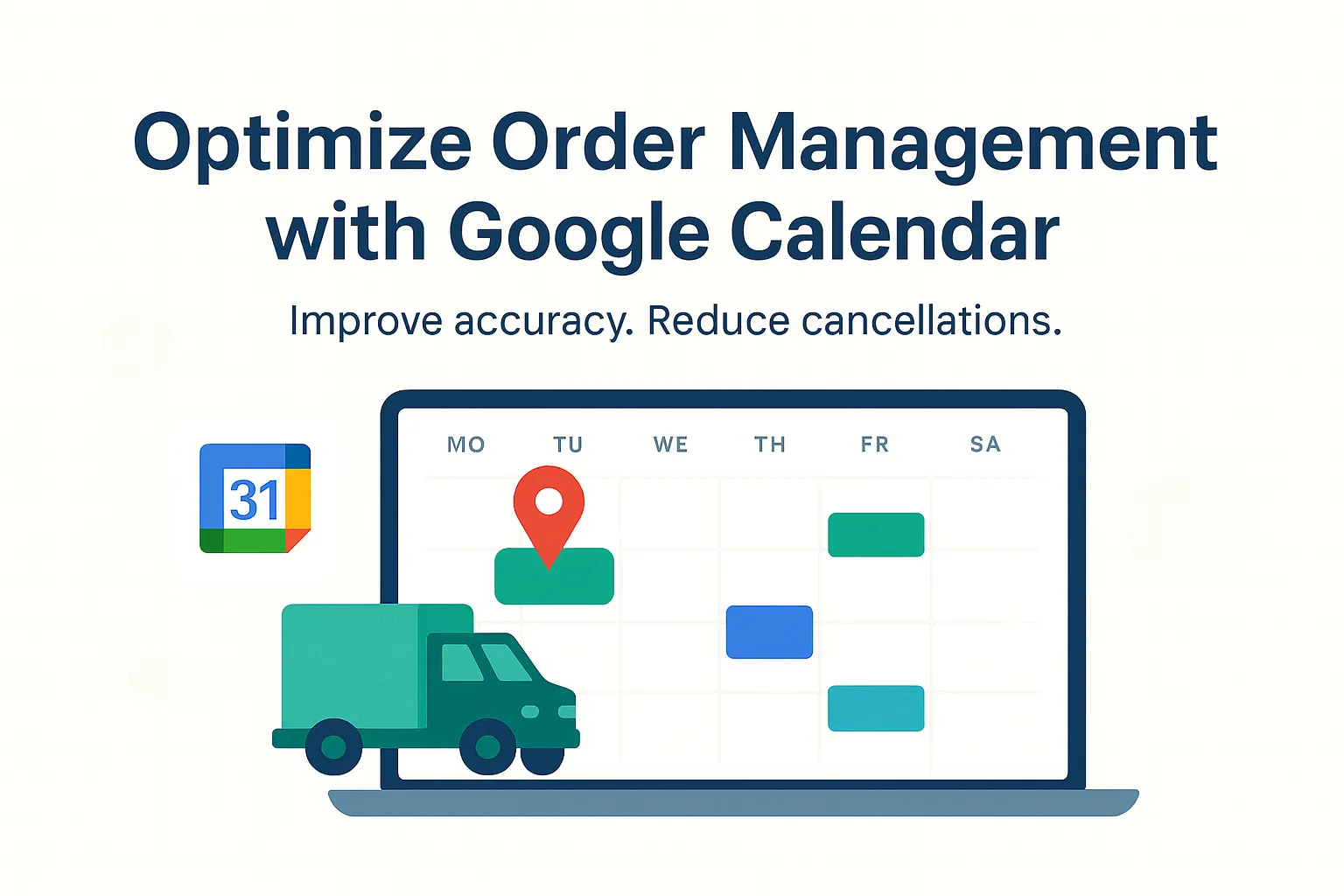
Connecting order management tools to Google Calendar automates many of these tasks. When orders from your store automatically create events in a shared calendar, everyone sees the same schedule and can rely on up‑to‑date information. Bird Pickup & Delivery offers seamless Google Calendar Sync along with brilliant scheduling options, so merchants can track delivery and pickup schedules without touching the calendar themselves.
An automated calendar gives you several advantages:
- Centralized overview. Orders appear as calendar events with complete order details, including delivery or pickup times and relevant customer
- Better organization across locations. Merchants with multiple storefronts or delivery zones can assign different Google Calendars to each locations to keep the calendar segregated and clean
- Customizable event details. The calendar events include customer details, order items and delivery methods. Merchants can customize what information is displayed, ensuring the right data is visible to staff.
- Single‑account simplicity. Even if you create separate calendars for different locations, you remain signed in through one Google account. This simplifies authentication and reduces the number of credentials you need to manage.
How Bird simplifies scheduling for merchants
Bird Pickup & Delivery’s integration with Google Calendar takes these concepts further by automating schedule tracking. When an order is placed through your Shopify store, Bird creates a calendar event at the corresponding pickup or delivery time. Because the event shows the customer’s name, order items and delivery method, staff can prepare items without logging into the store’s backend.
This automation offers several conveniences for merchants:
- Reduced manual entry. There is no need to add each order to the calendar manually. Bird synchronizes events as soon as orders are confirmed.
- Real‑time updates. If a customer changes their pickup time or your preparation schedule shifts, the calendar event updates automatically.
- Location‑specific schedules. Events can be sent to different calendars based on store location. A bakery might have separate calendars for its downtown and suburb branches, ensuring each team sees only relevant orders.
- Improved teamwork. Because everyone works from the same calendar, kitchen staff, drivers and managers can coordinate more easily. Staff can quickly glance at the day’s schedule and know when to start prepping, pack orders or dispatch deliveries.
Beyond integration: tips for efficient order management
An automated calendar is most effective when combined with consistent internal processes. Consider the following practices:
- Maintain accurate preparation times. Set realistic buffer periods between order placement and pickup/delivery so you have enough time to prepare. Overly optimistic preparation times can lead to missed deadlines or rushed tasks.
- Use calendar colors thoughtfully. Assign colors to differentiate pickup orders from deliveries or to highlight priority orders. Visual cues can help staff identify urgent tasks quickly.
- Share calendars with team members. Ensure everyone who needs access to the calendar has the appropriate permissions. Staff should be encouraged to check the schedule regularly rather than relying on verbal instructions.
- Review and adjust schedules regularly. Periodically evaluate whether your calendars reflect actual workflow. If you notice bottlenecks or recurring conflicts, adjust preparation times or open new pickup slots.
Closing thoughts
For Shopify merchants handling local pickups and deliveries, staying organized is as important as the products you sell. Manually entering orders into a calendar may work when volume is low, but it quickly turns into a tangle of updates and potential miscommunication. Integrating Bird Pickup & Delivery with Google Calendar removes that friction by automatically creating detailed events for each order. With multiple calendars for different locations and customizable event details, merchants gain a clear, shared schedule that supports efficient preparation and on‑time deliveries. Investing time in the right tools and processes ensures your team spends more of its energy delighting customers rather than wrestling with manual scheduling.
Read about the integration here in our help desk document to understand the exact flow.
Ready to streamline your pickup and delivery?
Start your 14-day free trial and see how Bird can transform your Shopify store.
Start Free Trial