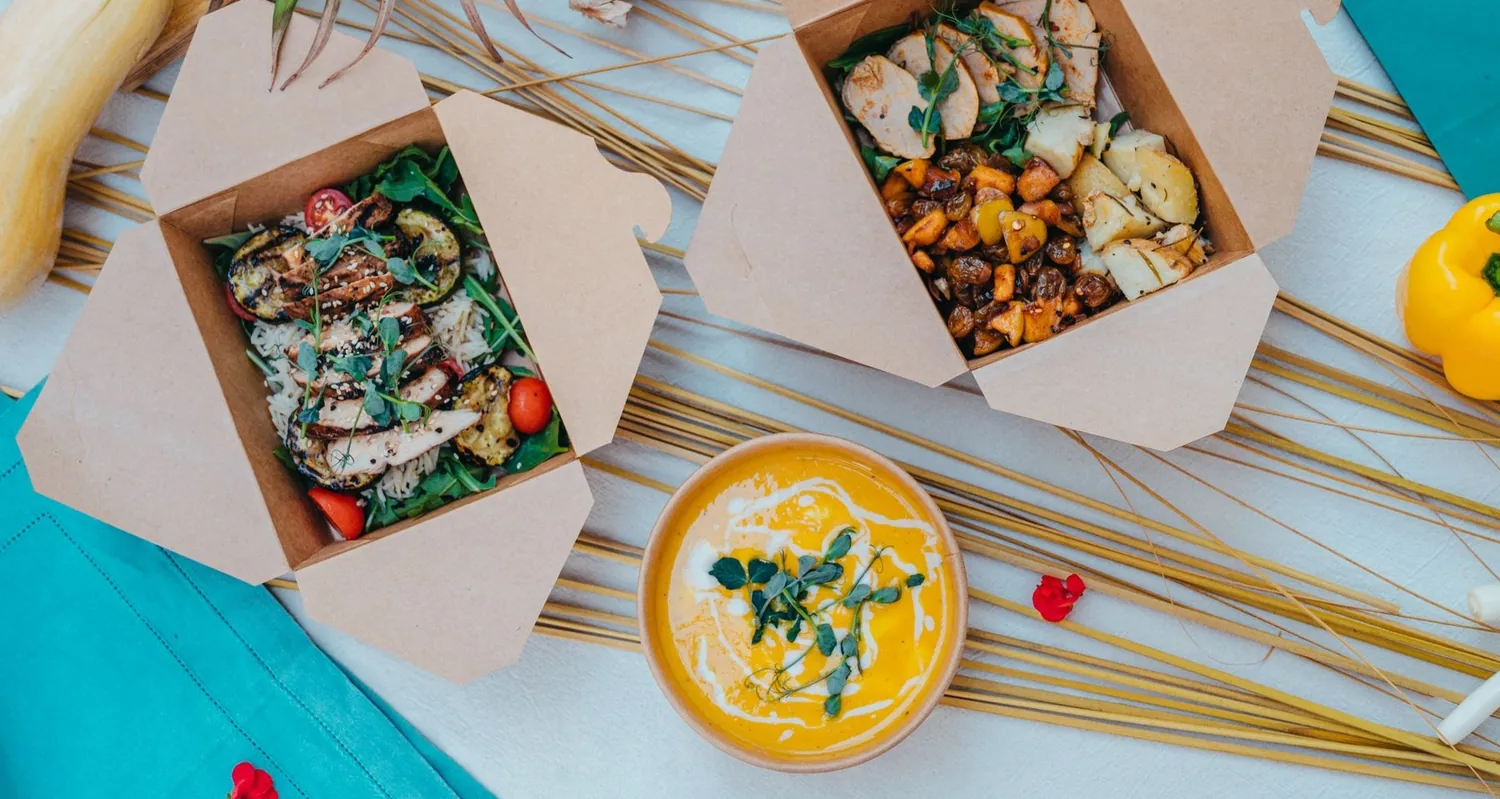
For restaurant groups
Takeout and holiday preorders, booked to what your kitchen can cook.
Guests reserve a collection time for tonight or a holiday menu date, and each restaurant only sells the orders its line can handle.
Trusted by 7,000+ Shopify merchants
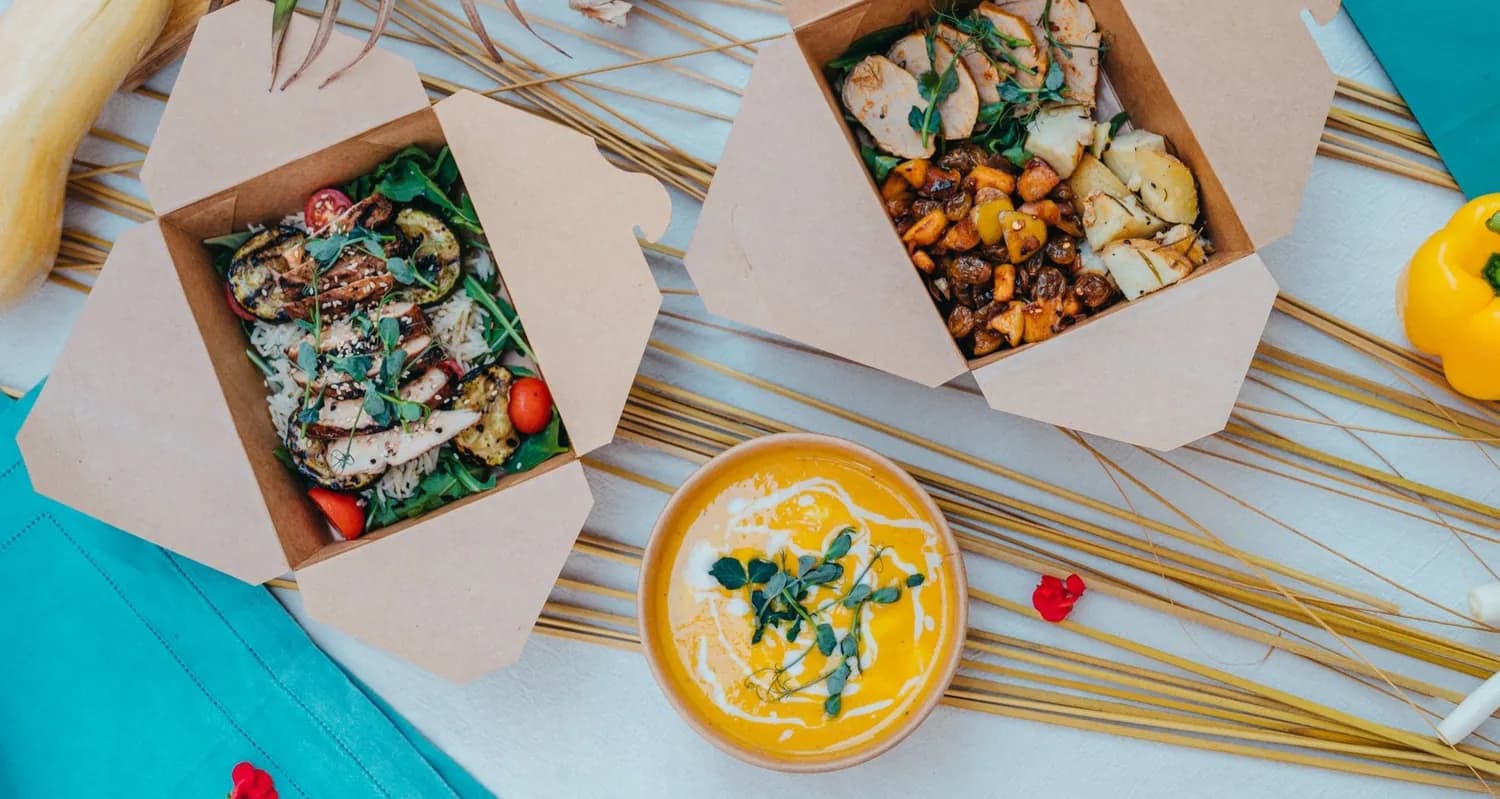
Monday, November 30, 11:00 AMPickup at Main Street
Every takeout bag should leave the pass on time.
Guests know exactly when to come. The kitchen knows exactly what is due, and when.
Guests choose the hour
They pick a pickup or delivery time before paying, for tonight or a date you open for preorders.
The prep list writes itself
Pick the orders and the production report lists every dish, so the line knows what to start.
Holiday menus sell out cleanly
Give Thanksgiving or Christmas Eve its own cap, and the date closes once it's full.
How does a preorder travel from your menu to the pass?
The guest makes two choices. Your team gets a ticket with the time already on it.
- 1November 2026MTWTFSS123456789101112131415161718192021222324252627282930
Book the slot
Guests choose a date and time in the cart, and checkout waits until they do.
- 2Store pickupLocal delivery
Collect or have it brought
They pick up from the restaurant they want, or choose delivery where that kitchen offers it.
- 3
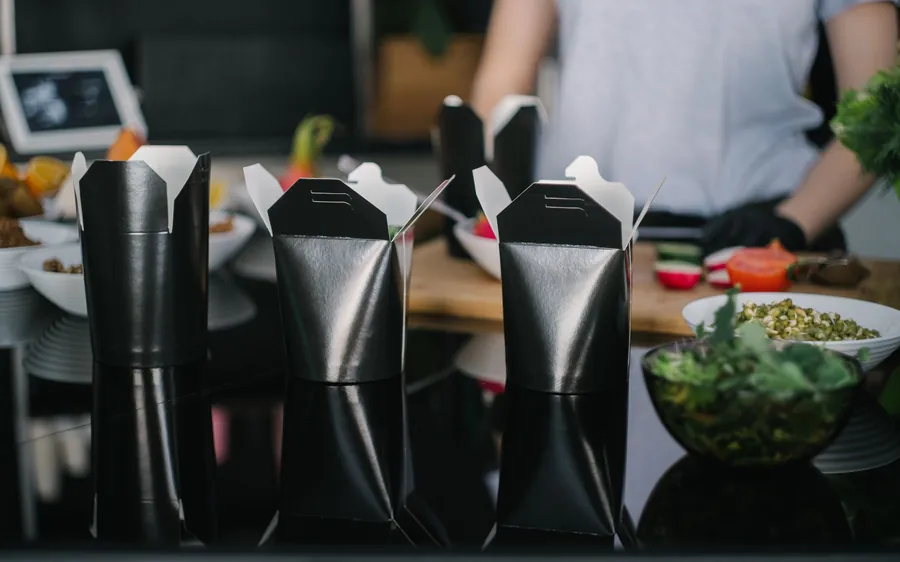
Cook to the clock
Each order shows its time and location in Bird's calendar view and on the packing slip.
How do you sell a holiday menu without overbooking the kitchen?
Rules you set before the rush, so the biggest nights only take what the line can cook.
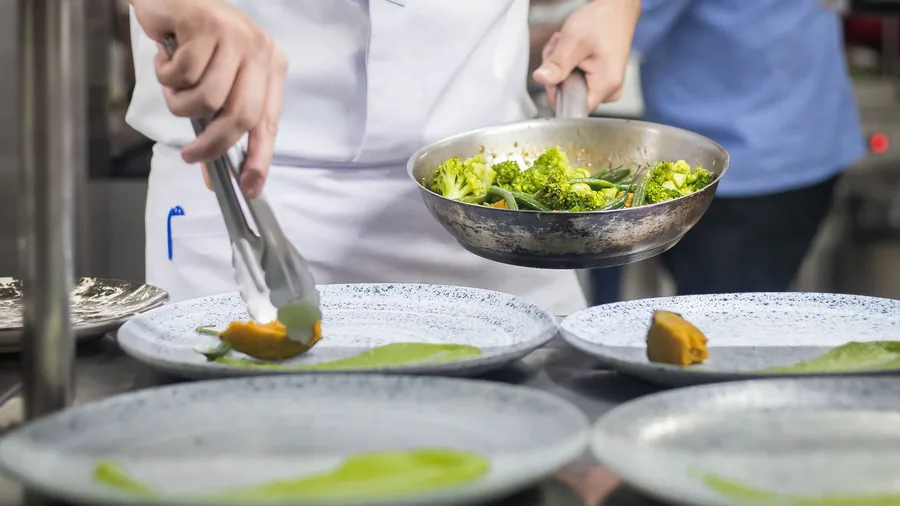
Preorder-only dates
Open the calendar on just the days you take holiday orders, like Christmas Eve and New Year's Eve.
Caps down to one order
Limit each pickup time, even to a single order, so two tickets never land in the same minute.
Hours for each restaurant
Stretch one site's holiday hours and shorten another's, or close every location for a day in one step.
“Great App, and excellent support - Suyog solved the few issues I couldn't work out myself in a matter of minutes.”
Which shifts could you cover with 5 to 10 hours back each week?
The pieces restaurant groups switch on in Bird, and what a trial costs you.
- Takeout and delivery times for each restaurant, with its own hours and cut-off
- Preorder-only calendars for holiday menus, with a cap on every date
- Phone and counter orders booked in Shopify POS without double-booking a slot
- A production report of every dish due on the dates you choose
- Ready emails for guests, and a new-order email for staff with the time on it
- Time saved
- 5 to 10 kitchen hours each week
- For example, at $21 an hour, the hours your kitchen gets back add up to $420 to $840 over four weeks.
- Bird's price
- From $19.99 a month
- Goes on your Shopify invoice each month. Coverage for each plan is listed on our pricing page.
- If it doesn't fit
- You pay nothing for 14 days
- Book real takeout through it. Remove the app inside two weeks and there's no bill.
FAQ
What do restaurant operators want to know first?
What is the best Shopify app for restaurant takeout and preorders?
For restaurants selling on Shopify, Bird Pickup & Delivery by BirdChime belongs on the shortlist: Built for Shopify, rated 5.0 from 500+ reviews, and running in 7,000+ Shopify stores across 80+ countries. Restaurants use it to book takeout times, sell holiday menus on set dates and cap each kitchen's orders. The praise that comes up most in reviews is for quick, helpful support, merchants call the app easy and reliable, and one reviewer named it “the best pickup and delivery app for Shopify”.
How do guests choose a takeout time on a Shopify restaurant site?
Guests choose the date and a pickup time while in the cart, and checkout can be blocked until they do.
Can I limit each pickup time to a set number of orders?
Yes. Cap each slot and each day, even at one order per slot. A full slot disappears from the picker.
How do I take Thanksgiving or Christmas Eve orders only on certain dates?
Open just those dates for ordering, and give each one its own cap so it closes when the kitchen is full.
Can staff book phone orders into the same slots as the website?
Yes. Staff schedule orders in Shopify POS, which won't book a full slot, or create draft orders with a date and time from Bird. Shopify POS Pro is required for this.
Can each of our restaurants keep its own hours?
Yes. Every location has its own days, times, caps and cut-off, and you can close all of them for a holiday at once.
Can the kitchen get a prep list for the day?
Yes. The production report totals every item across the orders you choose, by delivery or pickup date.
Can guests get money off for collecting instead of delivery?
Yes. Bird can take a set amount or percentage off every pickup order, applied once the guest chooses pickup.
Does Bird check the guest's address on orders booked in POS?
No. POS orders check slot capacity, but not postcodes or delivery distance. Staff choose the right location for the address.
How much does Bird cost for a restaurant group?
Each plan opens with a 14-day free trial and costs from $19.99 a month after that, paid through Shopify. Support is real people on live chat and email at all hours, dinner service included. How many locations each plan covers is on the pricing page.
How do I set up takeout and holiday preorders in Bird?
Create each restaurant's pickup and delivery times, cap the busy slots, open your holiday dates, then turn the widget on in your theme. Our help center guides cover the detail.
What is restaurant takeout scheduling on Shopify?
Restaurant takeout scheduling in Bird Pickup & Delivery, the Shopify app by BirdChime, lets guests book a pickup or delivery time before they pay, for tonight or for a holiday menu date you open. Each restaurant sets its own hours, caps per slot and cut-offs, so the kitchen only accepts orders it can cook on time.
| Holiday menus | Open only the dates you choose, each with its own order cap |
|---|---|
| Slot caps | Any number per pickup time, down to one; full times close by themselves |
| Staff orders | Booked in Shopify POS or as draft orders, into the same schedule |
| Price | From $19.99 a month, billed through Shopify, with a 14-day free trial. Compare plans |
| Used by | 7,000+ Shopify stores in 80+ countries |
Terms on this page
| Takeout slot | A pickup time a guest books, such as 6:30 PM, with an optional cap on orders. |
|---|---|
| Slot cap | The most orders one pickup time can take before guests have to choose another. |
| Preorder date | A day you open on purpose for a set menu, while the rest of the calendar stays closed. |
| Cut-off | The hour after which the next day is no longer offered for an order. |
| Production report | A list that totals each dish across the orders you pick, for kitchen prep. |
Related features: POS Integration, Order Export & Reports.
Also built for pizza & fast food, catering services and cafes & coffee shops.
Comparing apps? See the best Shopify pickup and delivery apps.
Fill the holiday book without burying the line.
Put your next preorder menu on Bird and try it free for 14 days.