Loop Subscription Delivery Dates on Shopify: Setup Guide
Explore with AI
Get AI-powered insights from this article
A subscription renewal is a copy of the first order, and that includes its delivery date. So a customer who picked Tuesday the 3rd at checkout can get a renewal order next month that still says Tuesday the 3rd. Someone on your team then opens the order and fixes it by hand, every renewal, every customer.
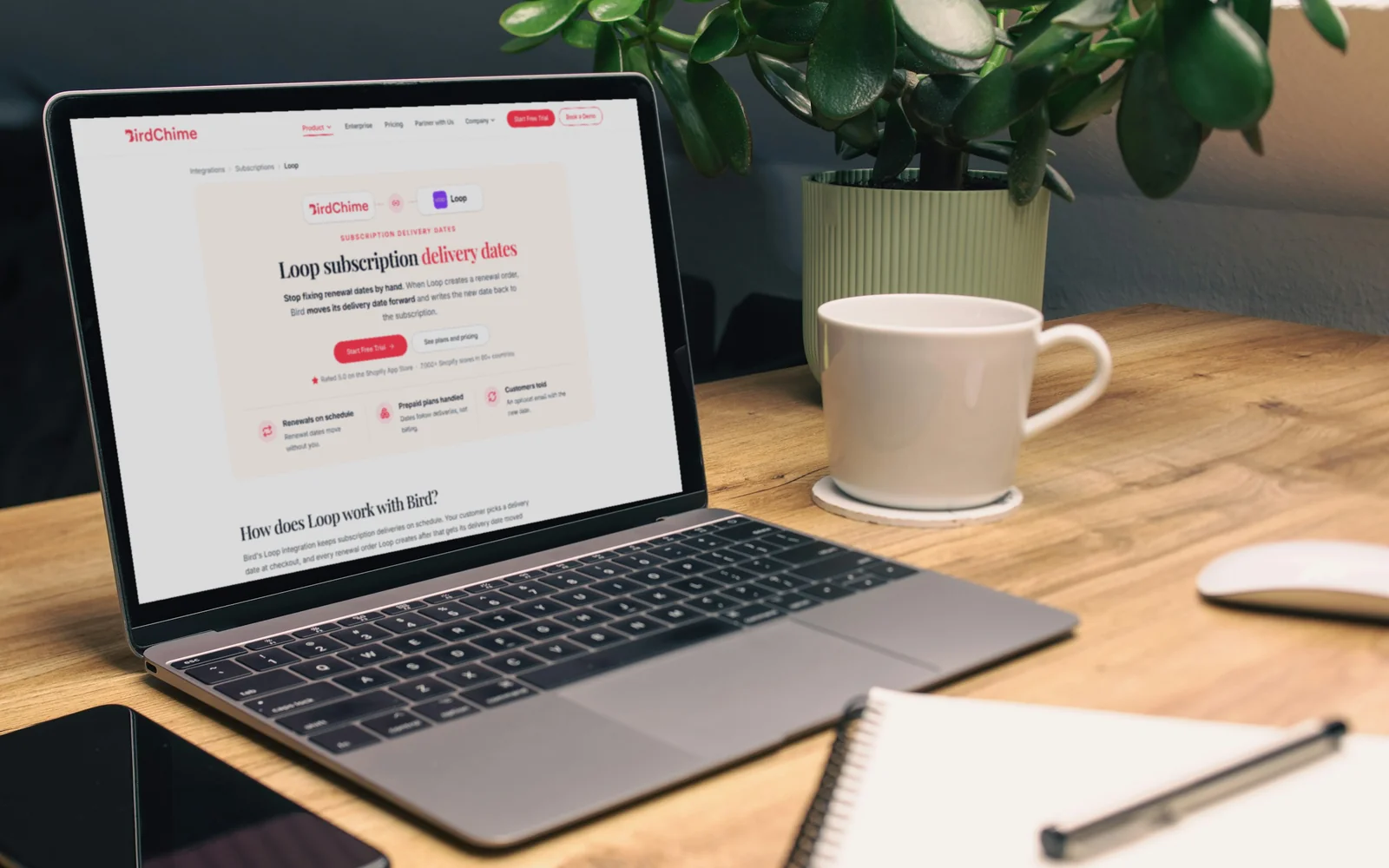
Bird now connects to Loop Subscriptions, so that job disappears. Loop runs the subscription and the billing. Bird runs the schedule: it keeps the delivery date and time slot your customer books, then moves that date forward on every renewal Loop creates.
How Loop and Bird keep renewals on schedule
- Your customer picks a delivery date and time slot at checkout
- The first order keeps that date, exactly as booked
- Loop creates each renewal order on the subscription's schedule
- Bird moves the renewal's delivery date forward and writes it back to Loop
- Your customer gets an email with the new date, if you switch it on
| Loop with Bird | At a glance |
|---|---|
| First order | Keeps the date picked at checkout |
| Renewal orders | Delivery date moved forward automatically |
| Prepaid plans | Move by how often they deliver, not how often they bill |
| Time slot and method | Carried over from the first order |
| What you need from Loop | Loop's Pro plan |
| Bird plan | Scale, or Growth with Shopify Flow |
Why do Loop renewal orders show the wrong delivery date?
Because nothing tells them otherwise. Loop creates the renewal order, and the delivery details ride along from the original order. The date was right once. On every renewal after that it's in the past, or it's the wrong week.
For a shop with a handful of subscribers, fixing that by hand is a chore. For a busy meal kit brand, it's hours every week, and every missed edit is a customer who gets a box on the wrong day or a packing list built on the wrong date.
Bird fixes it automatically. Each time Loop creates a renewal order, Bird moves its delivery date forward by one delivery and writes the new date to the Loop subscription, so both apps agree on when the next box goes out.
How do you connect Loop to Bird?
It takes one key and one click, and you only do it once.
In Loop, you create an API token that can read and change two things: subscriptions and orders. Then you paste it into Bird under Settings, Integrations, on the Subscription tab, and click Connect Loop. Our Loop setup guide shows each screen.
Two things are worth knowing before you start:
- The token needs to change things, not just read them. A read-only token won't work, because Bird writes each new date back to the subscription.
- Loop's Pro plan is the one that creates tokens. If Loop won't let you make one, check your Loop plan first.
Keep the token private. Paste it only into Bird, and if it's ever shared, delete it in Loop and make a new one.
How does Bird handle prepaid Loop subscriptions?
Prepaid plans are where manual date fixes most often go wrong, and where Bird does the work for you.
A prepaid plan bills once and delivers many times. A customer might pay for three months up front and get a box every week. If dates moved with the billing, that customer would get one new date every three months, and every weekly box in between would carry a stale date.
Bird moves the date by how often the subscription delivers, not how often it bills. Three months prepaid with weekly deliveries means each renewal lands one week after the last, right through to the end of the plan.
For meal kits and subscription boxes that sell prepaid bundles, that's the difference between a schedule you trust and one you check every Monday.
What stays the same on every Loop renewal?
Everything your customer chose, apart from the date.
- The time slot. If they booked a morning window, every renewal keeps the morning window. Your time slots carry straight through to the renewal order.
- Pickup or delivery. A weekly pickup box keeps being collected in store, and a delivery keeps being delivered.
How will customers and your team know a date changed?
A few small things keep everyone on the same page.
Customers can get an email. Tick Send order edited email when a subscription date changes, and each renewal sends your customer their new delivery date. You can rewrite the email in your own words, and it sits alongside Bird's other delivery emails.
Your team gets a log. Subscription logs list every date Bird has moved, with the order number, what changed and when, for example "Loop: Incremented delivery date from 2026-10-21 to 2026-10-22". When a customer asks why their box is on Thursday, the answer is one click away. Logs start with the first renewal, since the first order's date never changes.
You hear about the odd one out. If a renewal's new date would already be in the past, Bird doesn't email your customer a date that's gone. It emails you instead, so you can set a new date in Loop.
Should you use Shopify Flow or the direct Loop connection?
Pick one. Both move Loop renewal dates forward, and if both are on, a renewal's date can move twice.
The direct connection is the simpler path: one token, no workflow to build. It's included on Bird's Scale plan.
Shopify Flow does the same job on Bird's Growth plan, and suits shops that want conditions on top, such as moving dates only for certain products. Our guide to subscription delivery dates with Shopify Flow covers the workflow.
If you already have a Flow workflow moving Loop dates, turn it off after you connect Loop directly.
Why do subscription carts sometimes show "Shipping not available"?
This one catches shops at launch, and it's a Shopify rule rather than a Loop or Bird one.
On subscription orders, Shopify uses the cheapest delivery rate it can find for the renewals. If it can't work out a rate at all, the customer sees "Shipping not available" on a cart they were ready to pay for.
The fix is Shopify's carrier-calculated shipping setting, which lets Bird's delivery rates answer for subscription carts. It comes with Shopify's Advanced and Plus plans, and Grow stores can add it for a monthly fee or by switching to annual billing. Once it's on, remove any delivery rates you added by hand in Shopify, so they don't clash at checkout.
Bird also connects to Recharge and Appstle too, if you run more than one subscription app or are deciding between them.
Keep every Loop renewal on schedule
Bird Pickup & Delivery is trusted by 7,000+ Shopify merchants in 60+ countries. Connect Loop once, and every renewal gets its new delivery date without anyone touching it. Try it free for 14 days, and our Loop integration page covers the details.
FAQs
Does the first Loop order keep the date my customer picked?
Yes. Only renewal orders get their date moved. The first checkout order keeps the date and time slot your customer booked.
What do I need to connect Loop to Bird?
Loop's Pro plan, since other Loop plans can't create the API token Bird needs, and Bird's Scale plan for the direct connection. On Bird's Growth plan, you can move Loop dates with Shopify Flow instead. Every Bird plan has a 14-day free trial, and current plans are on the pricing page.
How does Bird move dates on prepaid Loop subscriptions?
By how often the subscription delivers, not how often it bills. A customer who prepays three months of weekly deliveries gets a new date one week later on each delivery.
Why won't Bird accept my Loop token?
Check that you copied the whole token and that it can change subscriptions and orders, not just read them. If it still fails, delete it in Loop and generate a new one.
Can I stop Bird moving Loop dates?
Yes. Click Disconnect Loop in Bird at any time, and Bird stops moving delivery dates.
Ready to streamline your pickup and delivery?
Start your 14-day free trial and see how Bird can transform your Shopify store.
Start Free Trial